
🔍 Purpose:
To guide CTLs and managers on how to view who is rostered on each shift using the FindMyShift app, ensuring better oversight and a step toward phasing out paper-based sign-in forms.
✅ Key Points
- CTLs should be able to see all staff rostered on a day shift.
- This function is available via the normal staff view in the FindMyShift app.
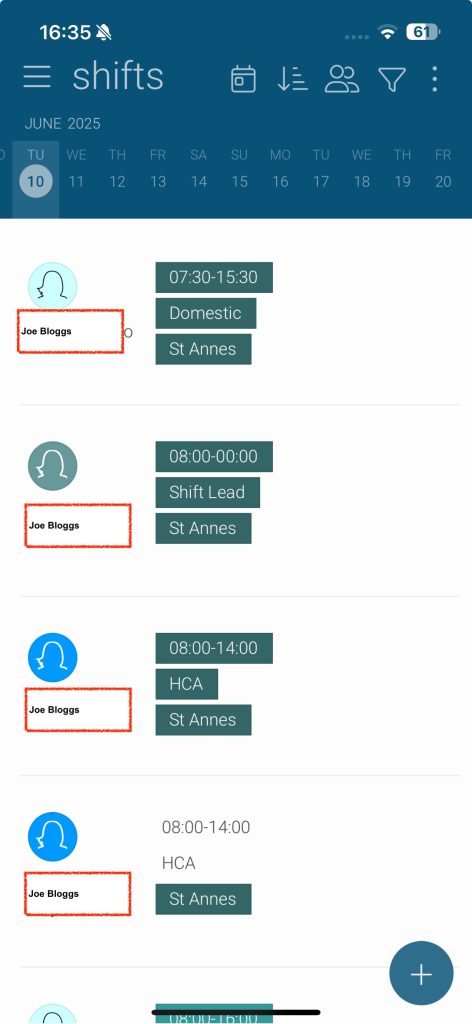
📲 Accessing Rostered Staff in the App
- Log in to the FindMyShift app
- Ensure “Show all shifts” is selected (not just your own)
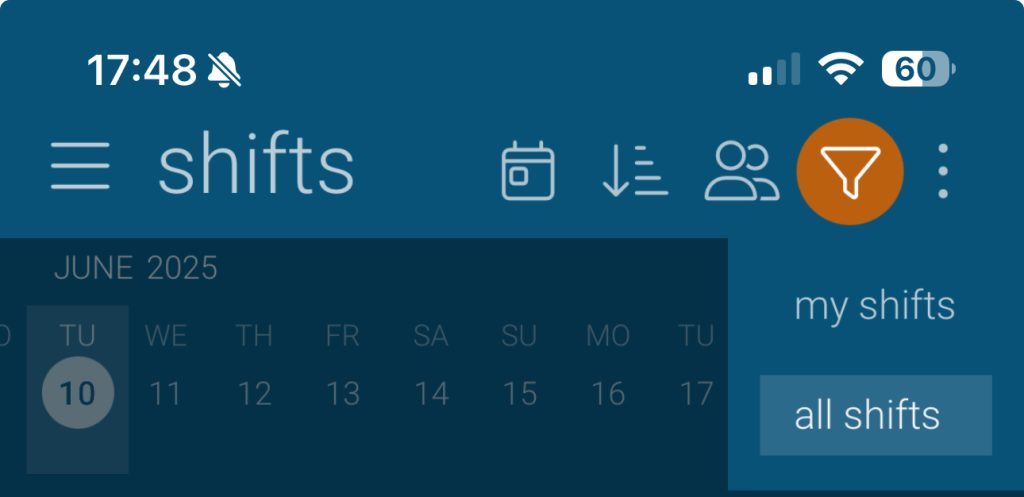
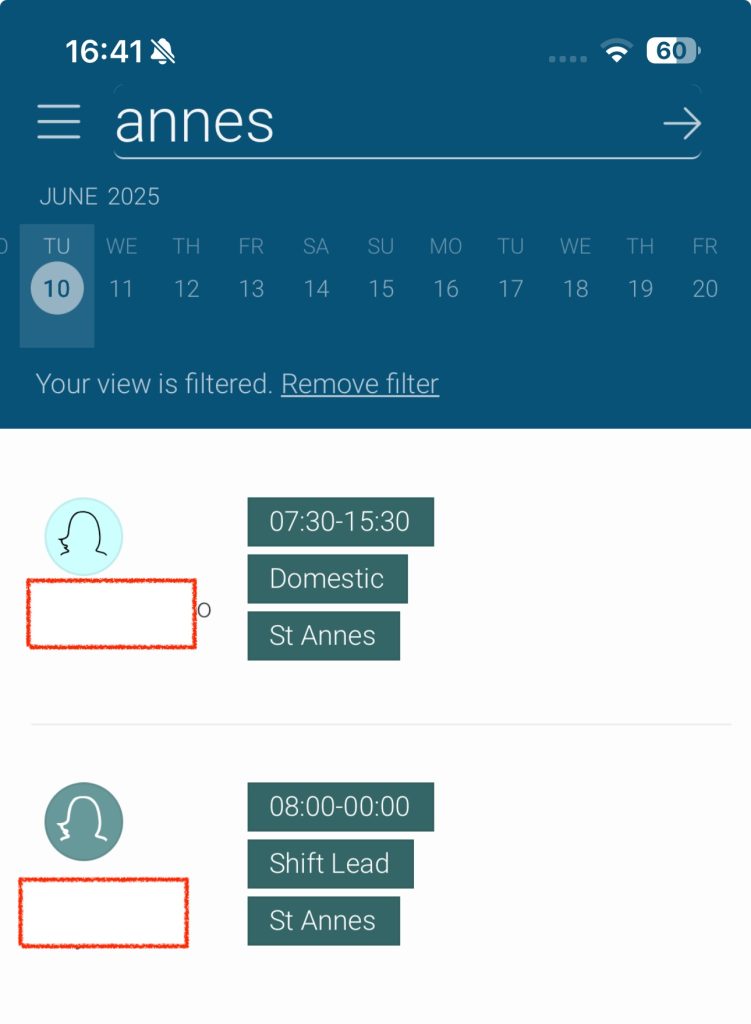
- Use the filter bar at the top to search by location:
- Type “Stour” or “Annes” to filter staff by site
If you do not have the ability to view all staff and you are a CTL then please discuss with your line manager